Home Podcast Setup vs. an Austin Studio: What Actually Changes
If you’ve been recording in a converted closet with moving blankets on the walls and a couple of USB mics on stands, you’ve probably gotten it to sound decent. Plenty of Austin podcasters run their first twenty or thirty episodes exactly that way, and there’s nothing wrong with it as a starting point. The mic picks up your voice, the software syncs the tracks, and the episode goes out. It works.
The Bedroom Setup Ceiling
What it doesn’t do is scale. Every new guest means moving furniture around to fit a second camera angle. Every session means you’re the one checking mic levels, watching for a dropped connection, and hoping nobody bumps a stand mid-sentence. None of that is a dealbreaker for a hobby show. It becomes a real cost once a podcast turns into a business asset: something with sponsors, a content calendar, and a team that expects a finished file the next morning instead of the next week.
What a Smart Studio Actually Automates
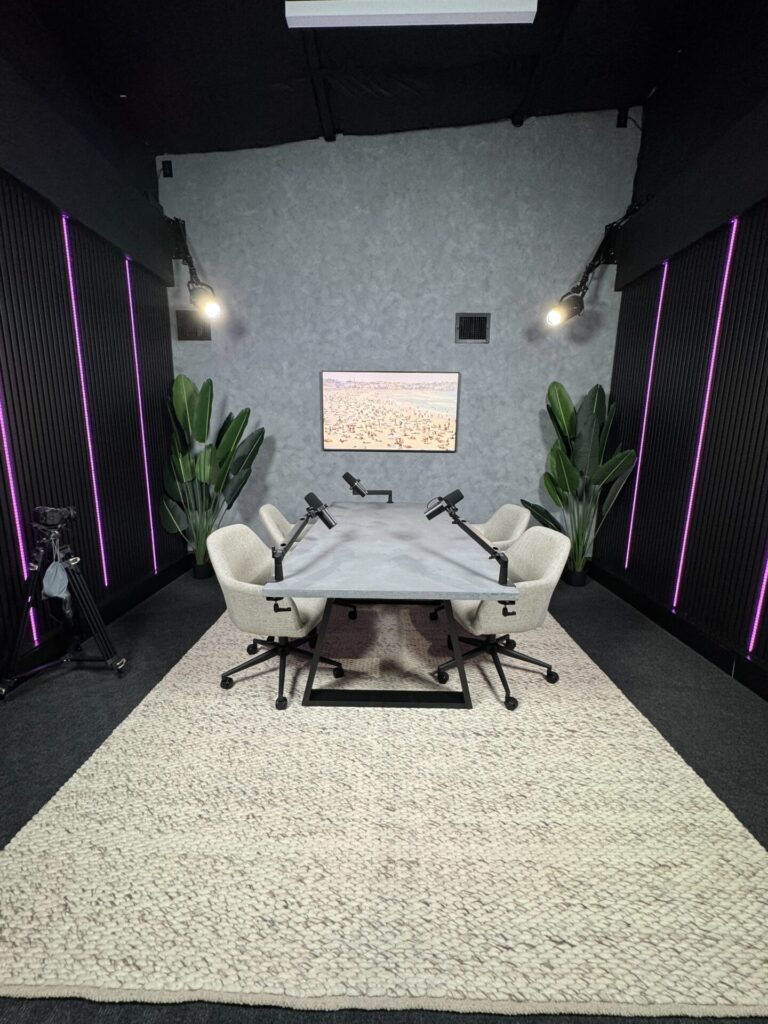
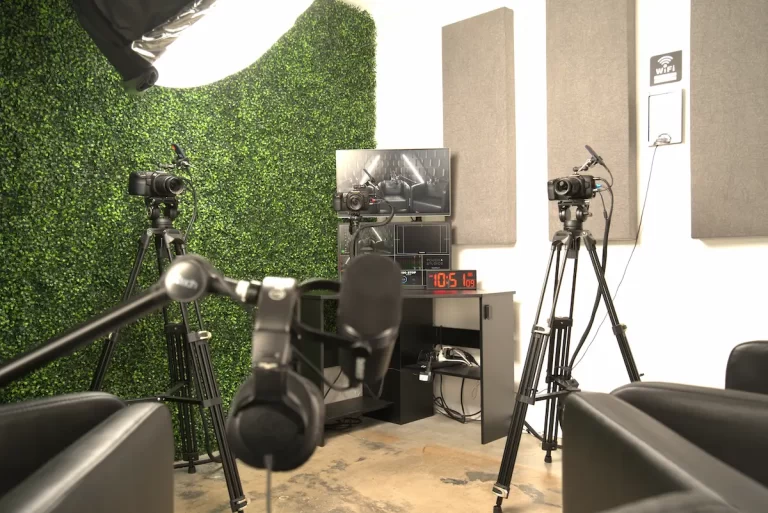
At Pouch 6 Studios (the studio you’ll see branded as Media Pouch across this site), the studio itself is doing the technical work a home setup asks you to do manually. Our proprietary auto-switching software live-edits the podcast as it’s being recorded, cutting between camera angles based on which microphone is active. That’s the piece a bedroom rig can’t replicate without a producer physically riding the switches in real time.
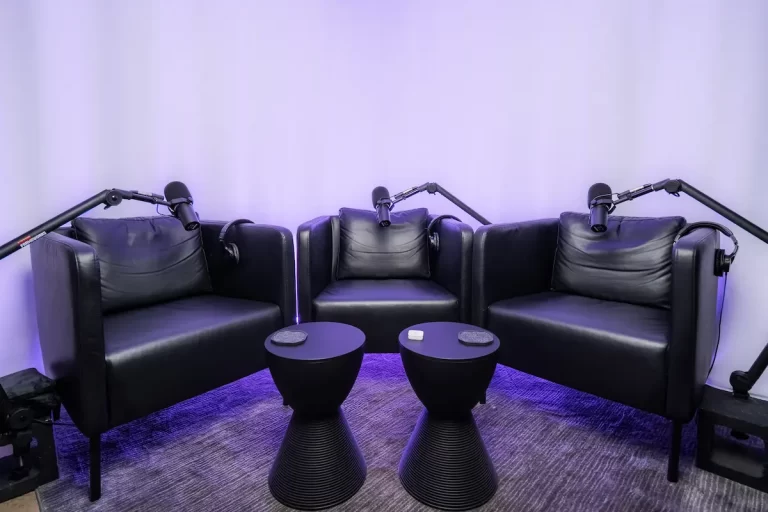
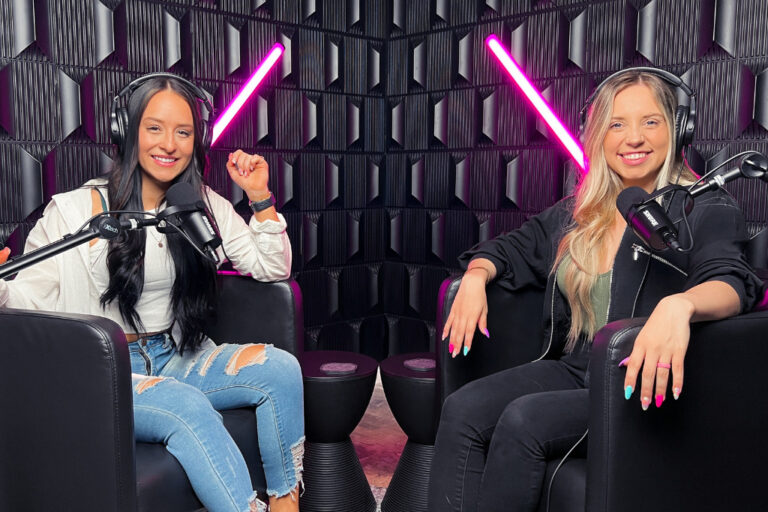
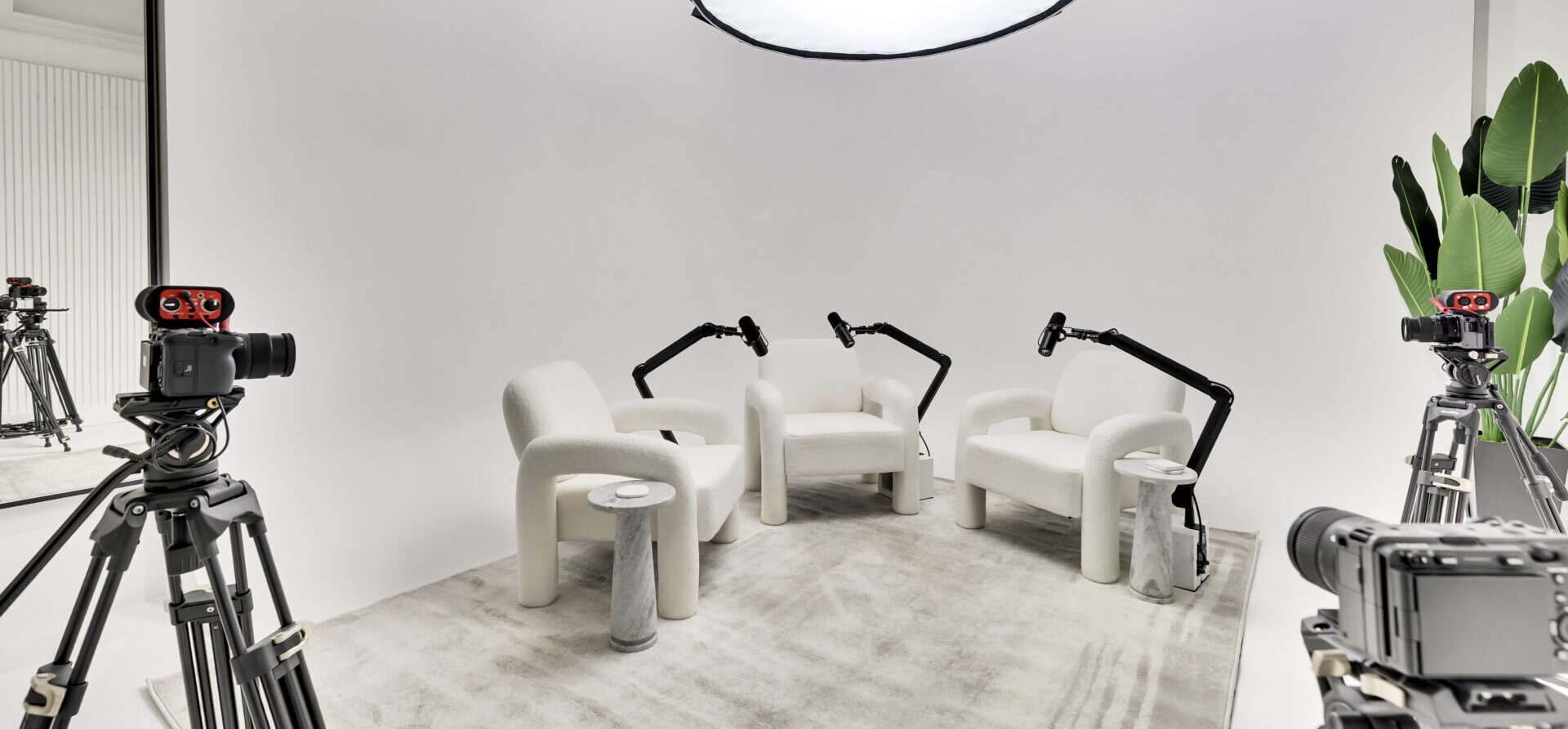
This is also why the studio doesn’t support bring-your-own gear. The automation is built around a fixed, calibrated setup: mics, cameras, and lighting that the switching software already knows how to read. Sets are built for up to three people on camera, which covers the vast majority of interview and panel-format podcasts without turning the room into a broadcast truck.
For a B2B marketer or an executive team using video podcasts as a lead-generation channel, that automation is the difference between a session that needs a post-production team and one that mostly needs a publish button.
The File Handoff Difference
A home setup usually means you’re the editor, or you’re paying someone else to be. Either way, there’s a queue: footage sits until someone has time to sync audio, color-correct, and export.
Pouch 6 Studios delivers the finished .mp4, the individual raw audio and video files, and a pre-synced DaVinci Resolve project file via Google Drive, typically same-day or within 24 hours. Every booking includes all three file types natively; there isn’t a raw-only or edited-only tier to pick from, because the studio’s workflow is built to hand over everything at once. If your team wants to do additional color grading or a custom cut, the project file is already synced and ready to open, with no re-syncing footage from scratch.
Where the Studio Model Gets Strict
The automation that makes a Pouch 6 session fast also comes with firm boundaries, and it’s worth knowing them before you book.
- Wrap-up and overtime. Wrap-up time after a session is capped at ten free minutes. If a session runs past its scheduled slot, overtime is billed at $112.50 per 30 minutes, a real number to build into your calendar buffer, especially for multi-guest recordings that tend to run long.
- File retention. Raw and edited files stay on Google Drive for 14 days after delivery. After that window, a $250 recovery fee applies for retrieval up to 30 days out.
- Review window. If the auto-switching software misses a camera cue or audio drifts out of sync (which can happen with any automated system), clients are asked to review the full upload and flag it within 48 hours, since issues get harder to trace and fix the longer footage sits unreviewed.
None of this is unusual for a high-throughput studio model, but it’s different from a home setup where the only deadline is whenever you get around to opening the editing software. The full list of session policies lives on the studio FAQ page.
Who Should Still Record at Home
If you’re testing a podcast concept, recording for an audience of a few hundred, or don’t yet need same-day turnaround, a home setup is a completely reasonable place to stay. The studio model earns its cost when the show has sponsors to keep happy, a publishing schedule to hit, or a brand team that needs professional video output without absorbing the editing hours themselves.
Pouch 6 Studios was built for that second group. The studio has logged more than 2,000 bookings and worked with over 650 clients since founder Ryan Gállego, a former Amazon employee who’s been behind a camera since age 14, started it in 2018. The studio holds a 5.0-star rating across 150 reviews on Trustindex, and client videos produced through the studio generated $1,750,000 in new revenue in 2020 alone. That track record doesn’t mean a bedroom setup is wrong for where you are now. It means the studio exists for the point where DIY starts costing you more time than it saves.
FAQs
Can I bring my own microphone or camera into the studio?
No. The auto-switching software is calibrated to the studio’s fixed camera and mic setup, so personal gear isn’t supported inside a session.
What happens if I don’t download my files within 14 days?
Files are removed from Google Drive after 14 days. A $250 recovery fee applies if you need them retrieved within the following 30 days.
Do I get the raw footage, or just the edited episode?
Every booking includes the finished .mp4, the individual raw audio and video files, and a pre-synced DaVinci Resolve project file. There’s no separate raw-only or edited-only package to choose between.
Ready to Move the Recording Out of the Closet?
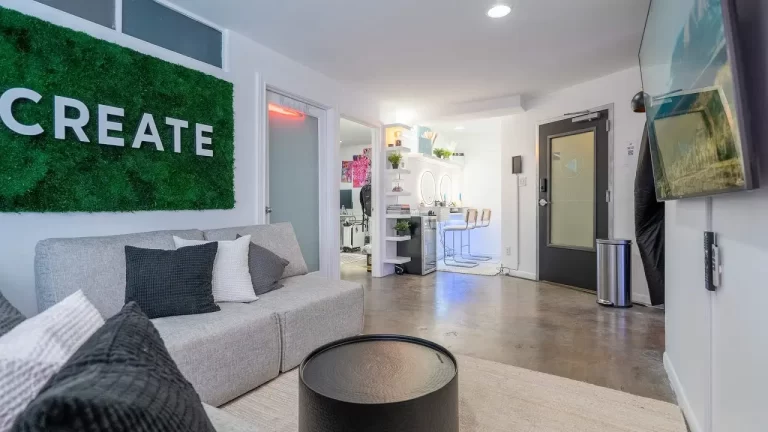
Check studio availability for your next recording date and see how the automated workflow fits your episode schedule. Want to see the rooms first? Take a look at the downtown Austin podcast studio or send the team a message with any questions before you book.